
What can Business Central do?
Quick to implement, with many features included

Financial management, project management, supply chain management, and much more
Microsoft Dynamics 365 Business Central is a comprehensive business management solution for startups, small, and medium-sized businesses. With Business Central, you can optimize your processes, make smarter decisions, and accelerate your company’s growth. Learn more here about the individual modules and the numerous features that this ERP system offers right out of the box.

Financial management
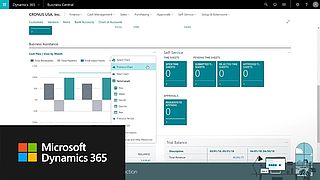
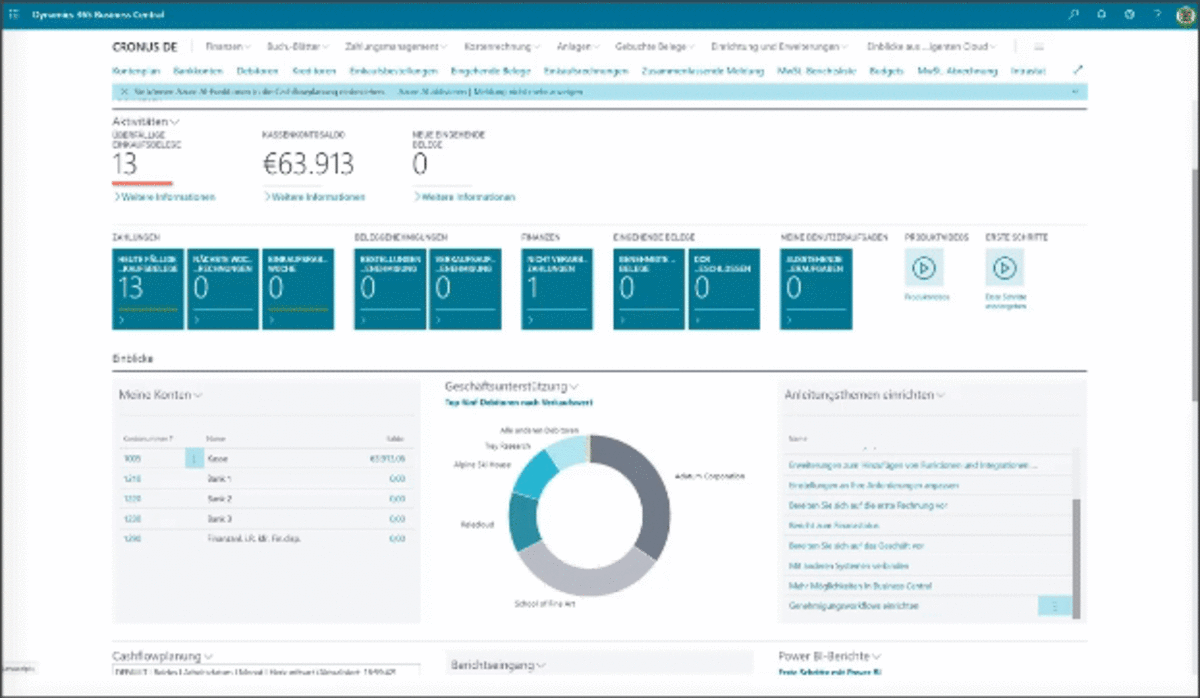
Manage your finances and handle your accounting with Business Central. The Financials module is a central component of the ERP solution and manages the cash flows from all modules, such as accounts receivable, accounts payable, and inventory accounting. Manage receivables and payables—and, of course, your bank accounts. Perform cross-company intercompany postings. Use asset accounting to manage your fixed assets, and use the integrated cost accounting to steer the company.
Customer relationship management (CRM)
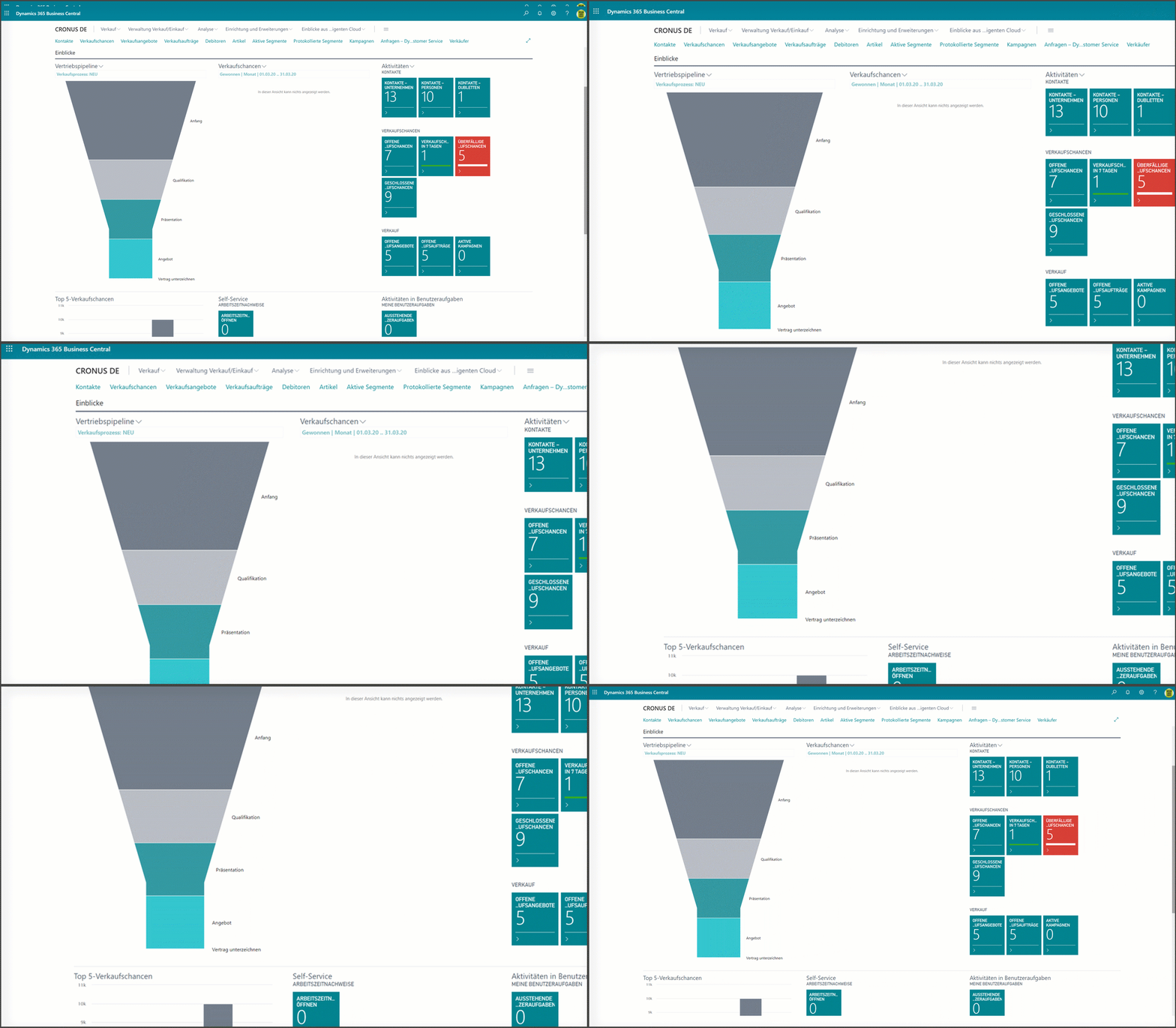
In Business Central, customer relationship management encompasses traditional contact and activity management. You can freely segment contacts and companies and run campaigns targeting these segments. This can include anything from sending out catalogs and special offers to organizing a special event. You can then record responses to your campaigns as interactions (activities). Interactions include phone calls, invitations, emails, and so on. Business Central stores this information in addition to tracking documents such as sales quotes, orders, reminders, invoices, and many other documents used within the business solution.
Integration Dynamics 365 Sales
If you need additional CRM features, you can quickly integrate with Dynamics 365 Sales. In just a few simple steps, you can synchronize your data, including sales orders, product availability, units of measure, and currencies.
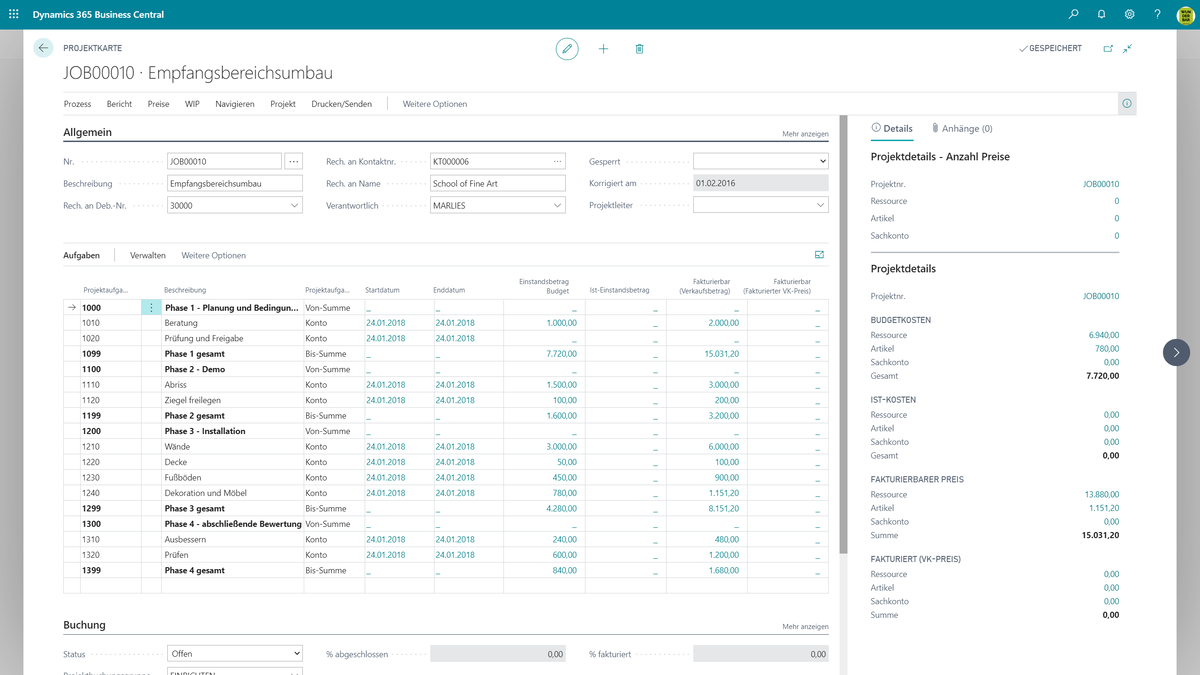
Projects can be short-term or long-term; for these, you plan not only staff but also machinery and materials, ensure their availability, deliver them, and invoice the customer. The basis for this is a project structure plan (PSP), similar to the one in Microsoft Office Project, in which you plan your project in terms of time and cost.
With this PSP, you can then continuously monitor the current status of your project.
Your employees purchase resources specifically for the project and post the resource usage (items, employee hours, etc.) to the project. During the purchasing process, you can assign individual line items directly to the project.
Supply chain management
With Dynamics 365 Business Central, you can manage your entire supply chain
- Manage customers
- Selling products and services to customers
- Produce an item
- Procure items or components from suppliers
- Manage suppliers
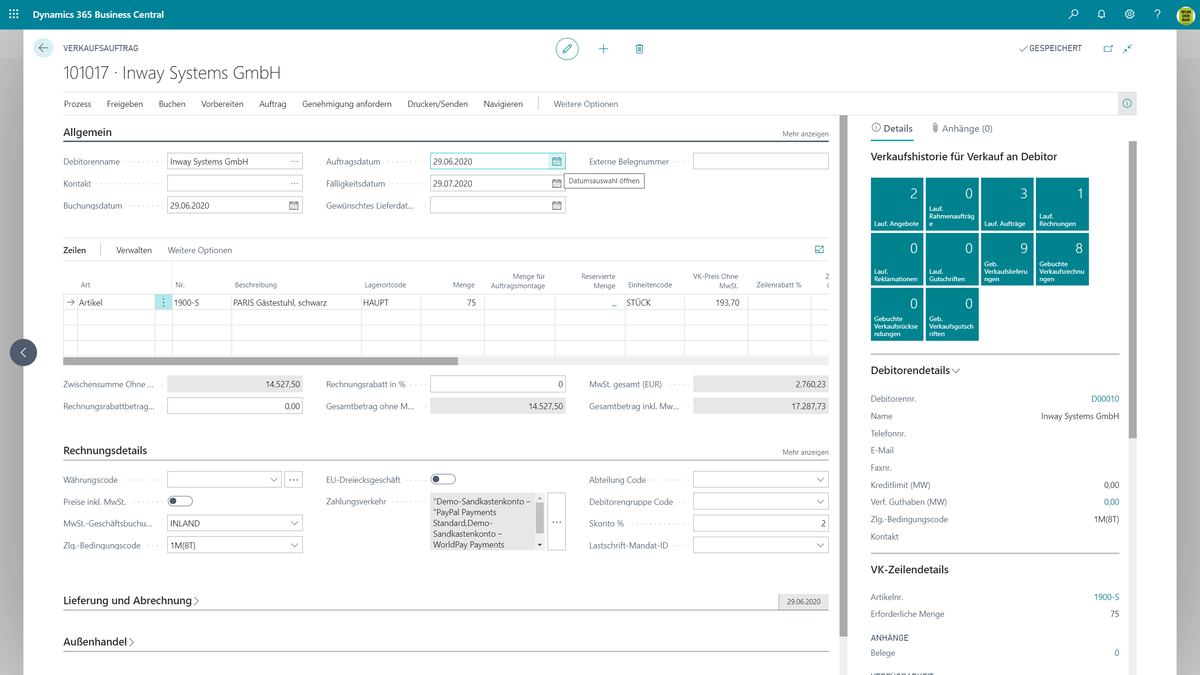
Create quotes for your customers. Send them via email. Convert the quote into an order and ship the items in full or in partial shipments. You can also have items shipped directly from the supplier to your customer without any intermediate steps. You can provide your customers with estimated delivery dates based on current inventory and order status.
Special offers and discounts
You can grant special prices and discounts to your customers and customer groups. Special prices and line-item discounts may depend on conditions such as a minimum order quantity or the order date. The system automatically determines the lowest price or the highest discount for the customer. However, you have direct access to all possible prices and discounts in the sales document. In addition to the line discount, you can also set up an invoice discount. For an invoice discount, the discount percentage is applied to the invoice total.
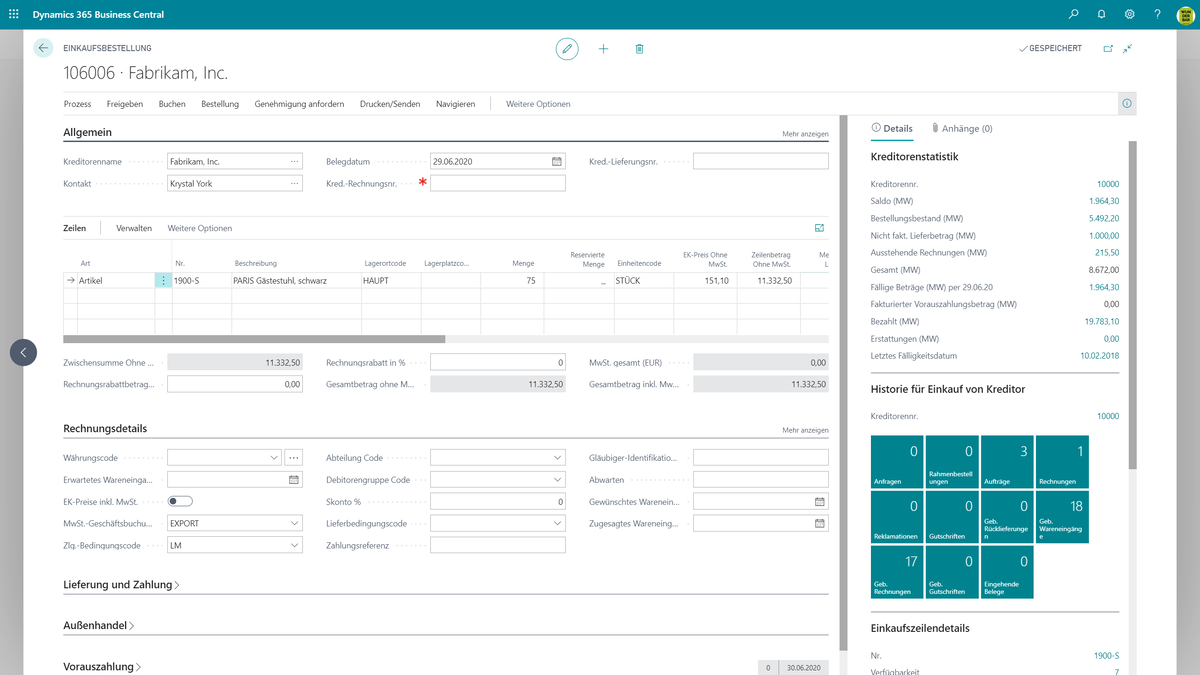
Business Central can manage your purchasing process through automated workflows. For example, using OCR technology, purchase documents can be created from digitized documents such as PDFs or scanned invoices. Inventory level notifications trigger reorder requests. Prices and discounts are applied based on specific terms you’ve agreed upon with your vendor, such as minimum order quantities or the order date. To maintain control over purchase prices and expenses, you can even implement advanced workflow and approval structures.
Item types
Products can be stock items, non-stock items, and services. Stock items are managed as inventory. Non-stock items—as the name suggests are not managed as inventory. Services typically refer to a service and are also not tracked as inventory. To make it easier to find items, you can categorize them or assign meaningful attributes to them.
In Business Central, you can set up and use items in such a way that you do not keep them in stock for your customers. You can enter items that you do not want to manage in the system until you sell them as catalog items.
If items are out of stock, you can also offer your customers substitute items. BC automatically suggests products linked as substitute items when stock levels are too low.
Inventory & product availability
Inventory levels increase or decrease when you post purchase or sales documents. You can also post direct inventory adjustments—for example, as a result of a physical inventory count. Transferring inventory from one storage location to another also results in inventory changes.
When you sell items, you need a detailed view of item availability, taking into account both the storage location and the date. Business Central alerts you immediately when stock levels are too low so that you can take the necessary steps to meet demand, such as creating a replenishment order or offering substitute items.
Warehouse location management
Managing multiple warehouses
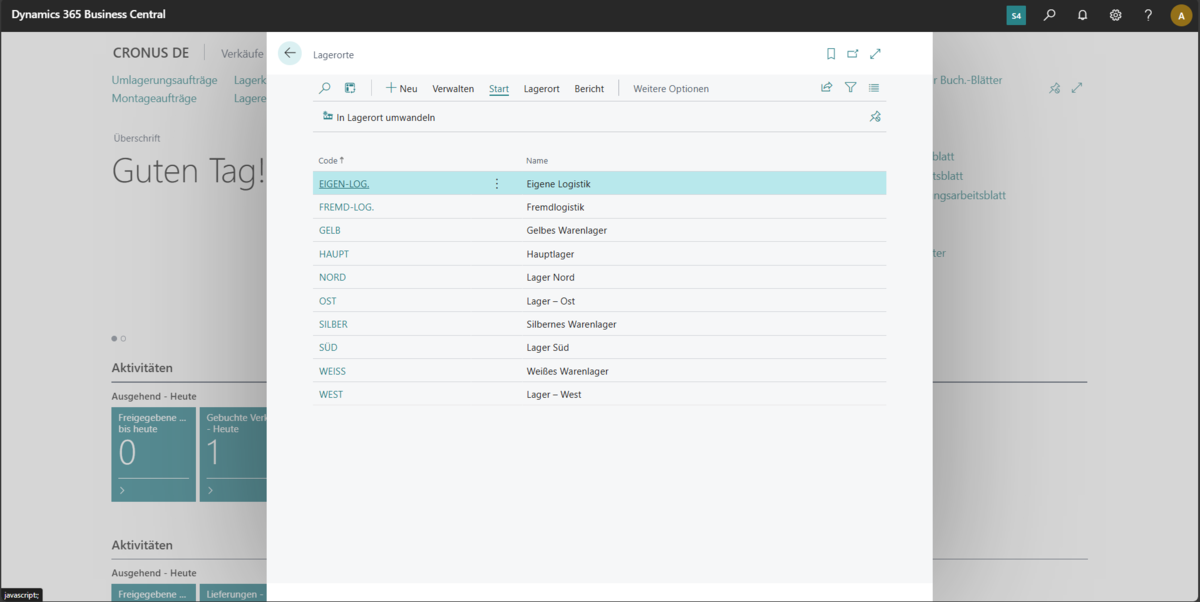
You can manage inventory at any number of locations. These can include, for example, a production facility, a distribution center, a warehouse, a showroom, a retail location, or even a field service vehicle.
Inventory management
With Business Central, you can receive and ship goods in the warehouse. In addition, you can organize your internal warehouse activities, such as when you need to put items into storage or transfer items within a warehouse or between different warehouses. You can remove items for assembly, production, or delivery. You can manage items at the bin level, put items into or remove them from a bin, and move items between bins using a report that optimizes space utilization and picking operations. Assembling items for sale or for inventory is also part of warehouse operations.
Service management
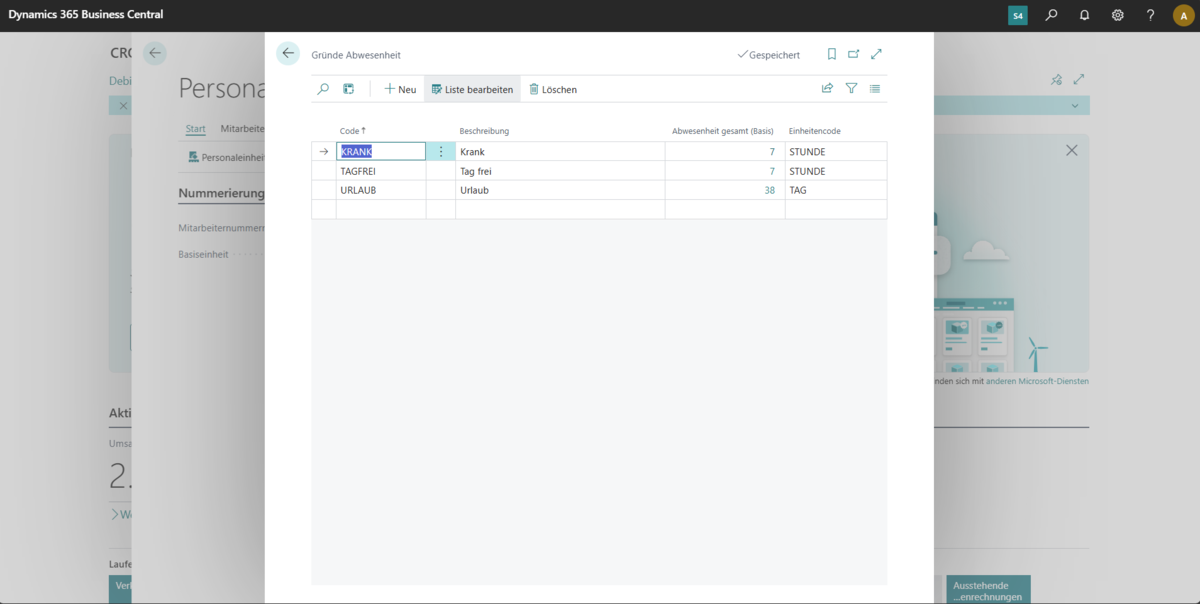
With the service management features, you can keep track of your service orders and contracts. From accepting service requests to scheduling assignments and handling repairs—everything is managed in a structured manner within a single system. Recurring services can also be efficiently managed through maintenance contracts.
Are you impressed by the range of features in Business Central?
Then simply request a free trial version of Business Central—it’s quick, easy, and convenient—and you can try out your future ERP system for yourself, complete with all the features described above (finance, projects, supply chain, etc.).

Help with Business Central
Informative blog posts, helpful videos, free workshops for beginners, module-based and expert workshops, trial versions, an offer for a free initial consultation, and much, much more:
We offer an extremely comprehensive suite of support resources for Business Central. These resources provide self-help guidance during implementation, support you in your day-to-day work, and help you reach your goals faster. And best of all: Much of it is free!